How to Automate M-Pesa Loan Repayments in Kenya: Paybill, STK Push & C2B Explained

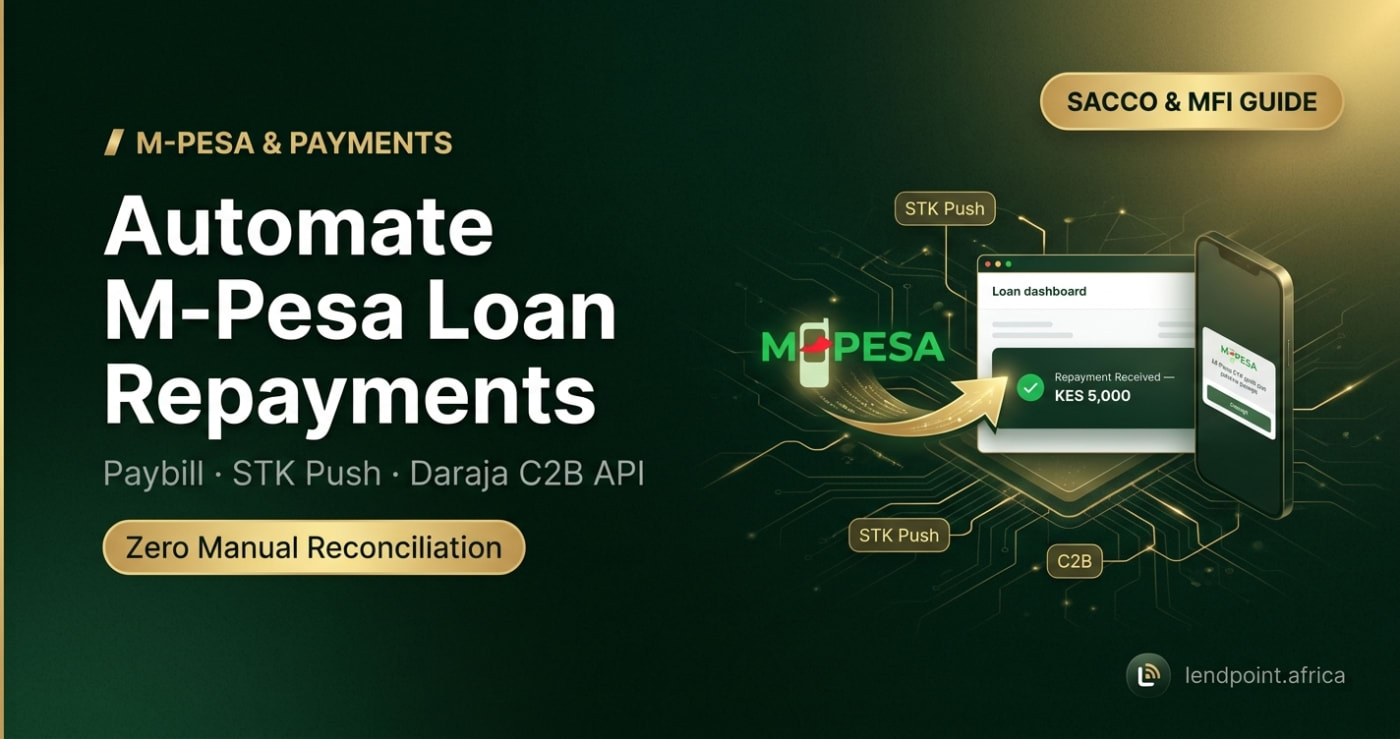
Short answer: to automate M-Pesa loan repayments in Kenya, connect your Paybill to Safaricom's Daraja API so every payment is sent to your loan system the moment it lands, and give each borrower one fixed account number (their national ID number works well) so the system knows which loan to credit. Add STK Push so borrowers can be prompted to pay from their phone, and keep a short daily queue for the few payments that cannot be matched. Done right, reconciliation drops from hours a day to a few minutes.
Most Kenyan SACCOs and microfinance institutions already collect repayments through M-Pesa. The problem is what happens after the money arrives: someone downloads the Paybill statement, opens Excel, and matches each transaction to a borrower by hand. That work is slow, error-prone and easy to manipulate. This guide explains the three M-Pesa channels lenders use, how automatic matching works, and a checklist you can follow to switch over.
The three M-Pesa channels every lender should understand
Safaricom exposes M-Pesa to businesses through the Daraja API. For lending, three parts of it matter:
| Channel | Direction | Who starts it | Used for |
|---|---|---|---|
| C2B (Customer to Business) | Borrower → lender | Borrower, via Lipa na M-Pesa → Paybill | Repayments paid by the borrower on their own |
| STK Push (M-Pesa Express) | Borrower → lender | Lender's system sends a PIN prompt to the borrower's phone | Guided repayments with no typing errors |
| B2C (Business to Customer) | Lender → borrower | Lender's system | Loan disbursements and refunds |
C2B and STK Push are the two repayment channels. B2C is the other side of the loan: sending the money out. A complete setup uses all three, so money leaves and returns through the same system and every shilling has a record.
C2B: the Paybill your members already know
With C2B, the borrower opens M-Pesa, selects Lipa na M-Pesa → Paybill, enters your business number, an account number and the amount. When you register confirmation and validation URLs with Daraja, Safaricom sends every completed payment to your system within seconds, including the amount, phone number, M-Pesa receipt code and the account number the borrower typed.
That account number (Safaricom calls it the BillRefNumber) is what makes automatic matching possible. Everything depends on choosing a reference that borrowers will type correctly.
STK Push: removing typing errors entirely
With STK Push, your system sends a payment prompt straight to the borrower's phone. The amount and account reference are pre-filled; the borrower only enters their M-Pesa PIN. Because nothing is typed by hand, STK Push payments almost never fail to match. It is ideal for reminders ("Tap to pay KES 2,500 due today") and for USSD menus where a member picks Repay loan and the prompt appears seconds later.
Paybill vs Till Number for loan repayments
A Till Number (Buy Goods) has no account-number field, so every payment arrives with only a phone number and an amount. That forces you to match by phone number, which breaks as soon as a relative, employer or chama pays on the borrower's behalf. For loan repayments, use a Paybill. Keep a Till only for walk-in sales if you have them.
How automatic repayment matching works
When a C2B confirmation arrives, a loan management system has to answer one question: which loan does this money belong to? A sound matching process looks like this:
- Save the transaction first. The raw payment (receipt code, amount, phone, account number, time) is stored before anything else. If a later step fails, the money is still on record. The M-Pesa receipt code is unique, so a duplicate callback cannot credit the same payment twice.
- Look up the borrower by account number. In Lendpoint, members pay using their national ID number as the account number. It is a number they already know by heart, it never changes, and it is unique per person.
- Pick the loan. If the member has an active loan, the payment goes to it. Where a product allows more than one active loan, the most recently disbursed loan is credited.
- Allocate across the schedule. The amount is applied to the oldest unpaid instalment first, including any penalty on it. Anything left over moves to the next instalment, so over-payments reduce future dues instead of disappearing.
- Update the ledger and notify. The loan balance, member statement and general ledger are updated together, and the borrower gets an SMS confirming what was received and what is still outstanding.
- Park what cannot be matched. A mistyped ID or a payment from someone with no active loan is not guessed at. It stays in an unallocated payments list for a staff member to assign in a couple of clicks, with a full audit trail.
The last point matters more than it looks. A system that "best-guesses" unmatched payments creates silent errors that surface months later in an audit. A clean system matches what it can prove and asks a human about the rest.
Choosing the right account number
| Account number | Pros | Cons |
|---|---|---|
| National ID number | Borrowers know it; unique; never changes between loans | Needs to be captured correctly at onboarding |
| Loan reference (e.g. LN-000123) | Points to one exact loan | Changes with every new loan; borrowers forget or mistype it |
| Phone number | Easy to remember | Shared phones, changed lines and third-party payments cause mismatches |
| Member number | Unique within your SACCO | Many members never memorise it |
For most SACCOs and MFIs, the national ID number gives the highest automatic match rate. The one discipline it needs is verifying ID numbers carefully during onboarding, which you should already be doing for KYC.
What manual reconciliation really costs
Take a lender collecting 1,200 repayments a month. If a clerk spends about three minutes finding, matching and recording each payment from a statement, that is 60 hours a month, well over a full working week, spent on data entry. Add the cost of errors: a payment credited to the wrong member, a penalty charged on a loan that was actually paid, a dispute that takes a branch manager's afternoon to untangle.
With automatic matching, most of those 1,200 payments post themselves. Staff only review the small unallocated list each morning. The rest of the time goes to what actually improves your portfolio: following up on arrears. See our guide to managing loan arrears, grace periods and penalties for that side of the work.
Setup checklist: moving your repayments onto M-Pesa automation
- Get a Paybill in your institution's name from Safaricom, with a settlement bank account.
- Apply for Daraja production access for C2B, STK Push (M-Pesa Express) and, if you disburse by M-Pesa, B2C.
- Register your confirmation and validation URLs so Safaricom knows where to send payment notifications. Your loan management system provides these.
- Clean your member records. Make sure every borrower has a correct national ID number and an active phone number.
- Tell borrowers the new rule: "Pay to Paybill XXXXXX, account number = your ID number." Put it on loan agreements, SMS reminders and your office wall.
- Run a parallel month. Keep your old reconciliation for one cycle and compare. Once the numbers agree, switch fully.
- Assign an owner for the unallocated queue and clear it daily.
Security: don't trust every callback
A payment endpoint is a target. Anyone who discovers your callback URL can try to post a fake "payment" to clear a loan. M-Pesa callbacks are not signed, so a properly built system has to be sceptical: it should confirm that the payment was made to your Paybill number, ignore receipt codes it has already processed, raise an alert when something doesn't add up, and record where every callback came from. Lendpoint does all four. Ask any vendor you evaluate exactly how they protect against forged callbacks. If they cannot answer clearly, keep looking.
How Lendpoint handles M-Pesa repayments
Lendpoint connects to your own Paybill through the Daraja API. Members repay by Paybill using their ID number as the account number, or by choosing Repay loan on your USSD menu, which sends an STK Push to their phone. Payments are matched and allocated to the repayment schedule automatically, the ledger and member statement update in real time, and anything that cannot be matched waits in a reconciliation queue instead of being guessed at. Disbursements go out the same way through M-Pesa B2C. For the bigger picture, read our complete guide to loan management systems in Kenya.
Frequently asked questions
Can borrowers repay a loan using a Till Number?
They can, but it is a poor fit for lending. Till payments carry no account number, so matching depends on the phone number, which fails whenever someone else pays for the borrower. Use a Paybill for loan repayments.
What happens if a borrower types the wrong account number?
The payment is still received and recorded. It simply cannot be matched automatically, so it waits in the unallocated list until a staff member assigns it to the right loan. No money is lost.
What if a borrower pays more than the instalment due?
The extra amount is applied to the next unpaid instalment, reducing what they owe going forward.
Do I need a developer to connect to Daraja?
Not if your loan management system already supports Daraja. You provide your Paybill credentials from the Safaricom developer portal, and the system registers the callback URLs for you.
Is STK Push better than Paybill?
They work best together. Paybill lets borrowers pay whenever they want; STK Push is best for reminders and USSD, because the borrower only enters a PIN and matching is guaranteed.
Ready to stop reconciling M-Pesa statements by hand? Start a free trial of Lendpoint or talk to our team and we'll walk you through the setup for your Paybill.